A truly welcoming experience.
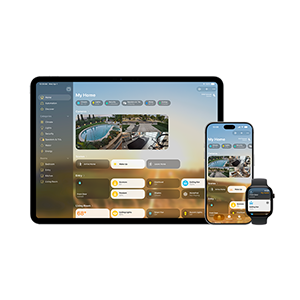
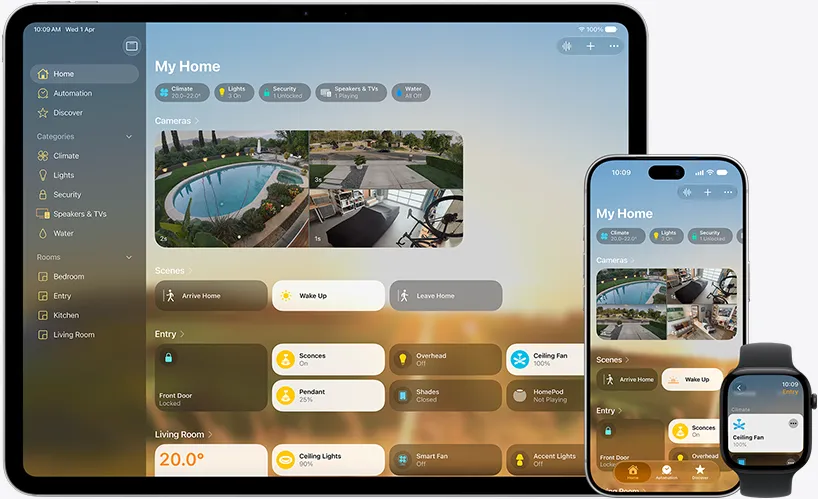
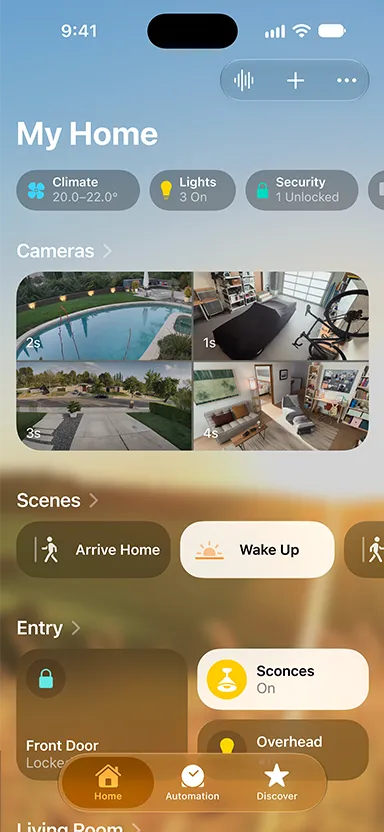
Categories like Lights, Security, and Climate are at the top of the Home tab, giving you instant access to accessories and their status.
Automate your smart accessories around the time of day, your location, or from sensor data. And create scenes that automate and control multiple accessories at once.
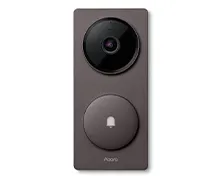
Monitor multiple video feeds at once, quickly find important security footage, and receive immediate activity notifications.
Rooms and Favorite Accessories are grouped in the Home tab, so you can easily view and control your smart devices.
All your accessories in one app? Smart.
The Home app brings ease and convenience to your everyday life, working seamlessly with a wide variety of smart home accessories. And setting up is simple and secure.
Learn more about setup
Everything connected
and under one roof.
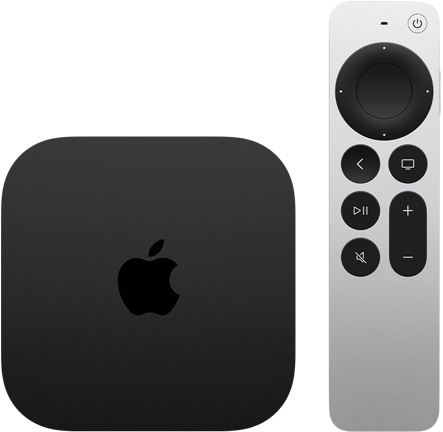
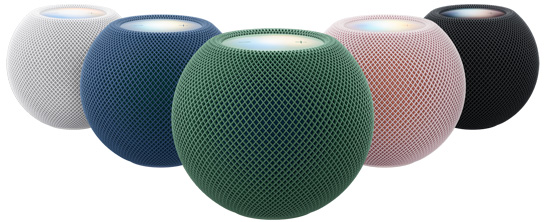
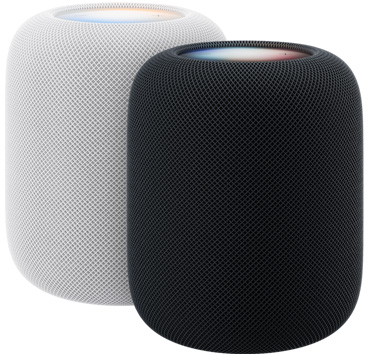
The Home app can do even more with the help of HomePod, HomePod mini, or Apple TV 4K. Your Apple devices become a smarter home control center that lets you monitor your home while you’re away, automate temperature and lighting, and more. And you can control everything with just your voice. The Home app also supports Matter-enabled accessories, the cross-platform industry standard that lets you connect all your smart home accessories.
View live
cameras
Get notified when someone
is at your door while you’re working at your desk.
Clean the
floors
Start your robot vacuum as you leave for work or ask Siri to clean a specific room.
Turn lights on at sunset
Set an automation
to activate lights at a
specific time.
Start your coffee
maker
Using a smart plug, ask Siri
for a fresh pot of coffee while you’re out on a morning run.
Turn lights on downstairs
Use a motion sensor
to
turn on lights as you
head
to the kitchen.
Start a fan
Automatically turn
on
a fan when the
temperature rises.
Your data is private property.
Privacy at home is more important than ever. That’s why your Home app data is stored in a way that Apple can’t read it. Your accessories are controlled by your Apple devices, and communication is encrypted end-to-end. So only you and the people you choose can access your data.
Home school.
Control your home with Siri
Create automations with the Home app
View the comings, goings, and more with Activity History
Privately monitor home activities with HomeKit Secure Video
Share control of your home
Stunning picture.
Stunningly simple.
HomePod mini 2
Sound in living color.